What it is
Recognize the machine, object, or workspace in view and match it to the approved procedure for that asset.
 SPATIAL PIRegister interest
Product
Point a phone or tablet at a machine, object, or workspace. Spatial PI is being built to understand what it is, where its components are, and what state it is in — then guide the work and verify the result.
Early-stage product · Capabilities and compatibility are still being validated
What the app understands
Delivering content to a screen is not the hard part. Guided, verified work depends on the system understanding the object in front of the camera.
Recognize the machine, object, or workspace in view and match it to the approved procedure for that asset.
Locate the relevant components in 3D space, so instructions can be anchored to the exact spot on the object rather than to the screen.
Read the current condition of the asset, so guidance can respond to what is actually there rather than to what the manual assumes.
How it works
The Spatial PI app is built around one guided loop. The system navigates, checks, teaches, and verifies; the person performs the work and stays accountable for it.
Computer vision reads the current state of the asset before any instruction is given.
The system looks at what is actually there — which components are present, where they sit, and what condition they appear to be in — so the next step reflects reality rather than the assumptions in a manual.
3D AR instructions appear on the physical object. When the state is wrong, a corrective 3D overlay shows exactly what correct looks like.
Guidance is placed on the component itself rather than on a screen beside it. The corrective overlay is anchored to the real object, so the person can compare the current state and the correct state in the same view.
The person carries out the step with the instruction in view — hands on the task, not on a manual.
The system stays out of the way while the work is being done. The person remains in control of the task and accountable for the result.
AI checks the completed action against the expected state, flags what still needs attention, and records the outcome.
Verification and documentation happen as part of the work rather than as a separate paper process afterwards. Automated checks remain subject to validation and human review.
Intended workflow of a product in development. Automated checks remain subject to validation and human review.
Designed to
These are the intended capabilities of the Spatial PI app. Each automated behavior must be validated for its real operating environment before it is relied upon.
Devices and availability
The Spatial PI app is being designed for phones and tablets first, with wearable devices as a future direction. Verified device support, deployment options, and integrations will be published as they are validated — not before.
Spatial PI is speaking with a limited number of industrial teams to validate the workflow against real equipment and real procedures.
Register interest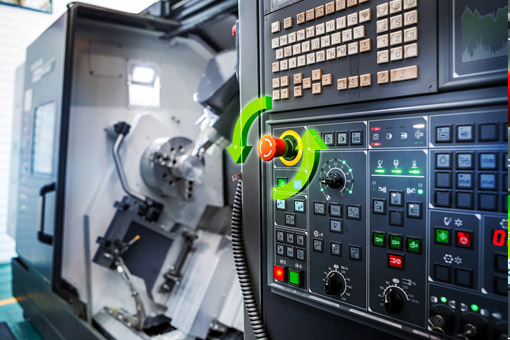
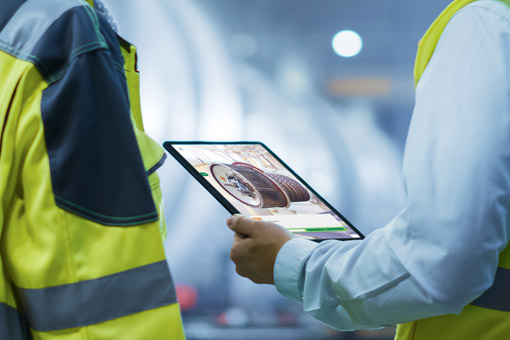
Concept imagery is authorized reference material and does not show the Spatial PI product. No partnership, customer relationship, or endorsement is implied.
Register interest
Tell us about the equipment, the procedure, and who performs it today. Early conversations shape what gets built first.